Last Updated:
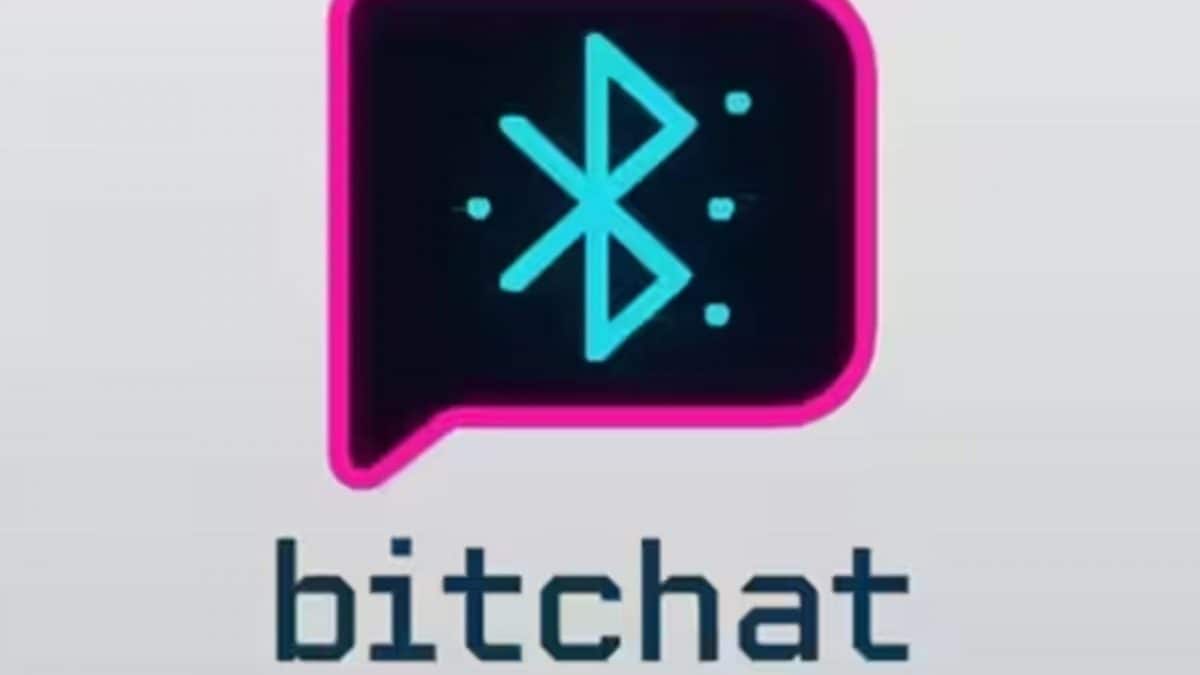
Bitchat follows a Bluetooth Low Energy mesh networking system, creating a local web of connected devices. A message sent through Bitchat is split into tiny chunks of data packets.
Messages sent and received through Bitchat are end-to-end encrypted. (Photo Credit: X)
Imagine life without WhatsApp. Impossible right? From the moment we wake up until we turn off the lights, it’s our constant companion. WhatsApp helps us to stay connected with family, friends, colleagues or distant acquaintances and over time has become the primary mode of our daily conversations. But, seems like the Meta platform has now got some competition. Twitter co-founder Jack Dorsey has launched a new decentralised messaging app for iPhone users, which, unlike traditional apps, is designed for offline communication.
Bitchat’s Unique Feature
One of the most unique features of Bitchat, a peer-to-peer messaging application, is that it can be used without cellular data or Wi-Fi. The only element you need to have on your phone is Bluetooth. Users are able to send messages directly between devices nearby through the medium.
Bitchat follows a Bluetooth Low Energy (BLE) mesh networking system by creating a local web of connected devices. First, Bitchat recognises each other over Bluetooth. Unlike WhatsApp or Telegram, texts are not sent using external servers. A message sent through Bitchat splits into tiny chunks of data packets using LZ4, a lossless data compression algorithm, and broadcasts them over Bluetooth using BLE advertisements.
If the recipient is nearby, within 30 metres, their phone picks up these chunks and reassembles them into the original message. However, when the receiver is out of range, the message “hops” from the sender’s phone to another before finally reaching its intended destination.
The best part? Messages sent and received through Bitchat are end-to-end encrypted. Additionally, the texts exist only in device memory by default. Each message has a Time-To-Live (TTL) limit, which means it expires after some time, ensuring enhanced privacy.
Take a look:
Internet Reaction
Social media users were quick to react to the post. “This would be amazing for finding your friend at a massive music festival or anywhere where a huge number of people puts a strain on the cell towers, virtually making them useless,” noted one person.
“I built ‘Sitchat’ too. Here, no phone is required. Just 2 people sitting side by side and chatting,” read a playful remark.
“Why does it sound similar to Pied Piper from Silicon Valley?” wondered an individual, hinting at Steve Jobs, who was commonly referred to by the name thanks to his visionary leadership in the world of tech. “Game is gonna change again,” commented another user.
The post has so far received over 9 million views. What are your thoughts on Bitchat?

A team of writers at News18.com bring you stories on what’s creating the buzz on the Internet while exploring science, cricket, tech, gender, Bollywood, and culture.
A team of writers at News18.com bring you stories on what’s creating the buzz on the Internet while exploring science, cricket, tech, gender, Bollywood, and culture.
view comments
- Location :
Delhi, India, India
- First Published:
Read More